
Free HSE tool · Calculators & Assessments
DSE Assessment: the Workstation, in Working Form
The DSE (Display Screen Equipment) assessment is the ergonomics check of the workstation — the screen, the chair, the desk, the lighting, the room, the breaks — and it is a legal duty in the UK where display screen equipment is used regularly and professionally. It is also the assessment that the back pain and the eye strain stop, because the workstation is the one hazard the worker cannot walk away from.
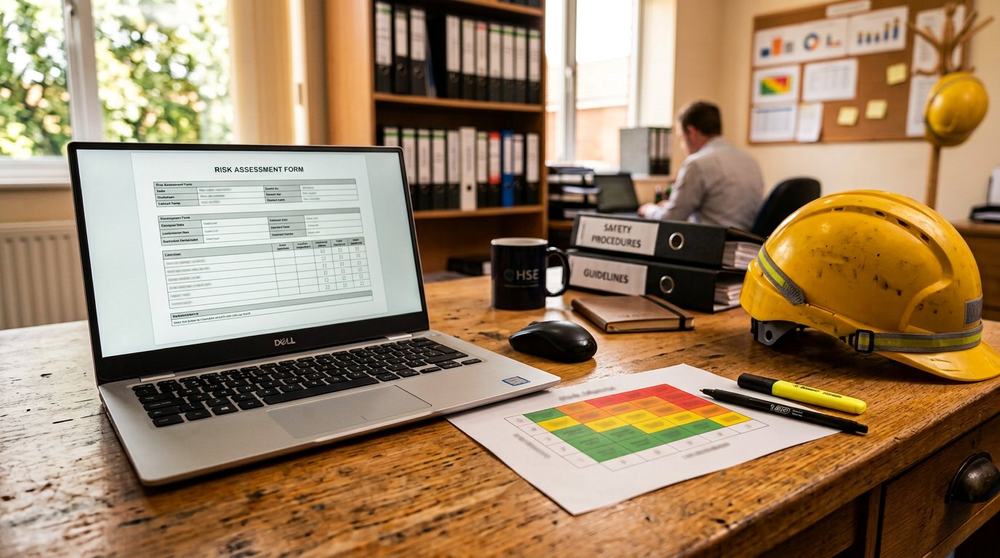
Free DSE (Workstation) Assessment
Mark the workstation items — the recommendations build themselves from the fails. The UK DSE Regulations 1998 structure.
Work the assessment below: the workstation items, the pass or fail per item, and the tool writes the recommendations from the fails — the screen height, the chair, the desk, the lighting, the break pattern. Set the user, the workstation, the assessor and the date, and print the signed assessment.
How to use the tool
- Set the user, the workstation ID, the assessor and the date — the assessment header
- Work the screen — the distance, the top of the screen at or below eye level, the glare, the resolution and the text size
- Work the chair and the desk — the adjustability, the height, the support, the knee clearance
- Work the environment — the lighting (the lux, the glare, the contrast), the room temperature, the noise
- Read the recommendations — the tool builds the action list from the fails; assign owners and dates, and print the signed assessment
Worked example
A two-person office. The primary workstation fails on the screen (top of screen 15 cm above eye level — the neck flexion is the complaint), the chair (no lumbar, the height fixed), and the lighting (the window glare on the screen at midday, the 420 lux on the desk against the 500 target). The recommendations: the monitor arm to bring the top of the screen to eye level (owner the IT, this week), the adjustable chair (procurement, this month), the blind or the screen reposition (this week), the lighting to 500 lux on the task (the electrician, next month). The breaks are the pass — the 15 minutes every two hours is in the rota and the user confirms it. Four actions, one page, the assessment printed and the review date a year out, or the change of workstation, whichever first.
Standard & legal context
The UK Health and Safety (Display Screen Equipment) Regulations 1998 require the workstation assessment — the DSE assessment — where display screen equipment is used regularly or professionally, the user assessment where the user reports the strain, and the breaks. The ergonomics reference is the HSE screen guidance, with the ISO 9241 (ergonomics of human-system interaction) family as the standard. In the US, the OSHA ergonomic provisions and the NIOSH workstation guidance carry the equivalent practice. The checklist below is the UK DSE Regulations structure with the ISO 9241 ergonomics.
Common mistakes
- Assessing the equipment and not the user — the DSE Regulations require the user assessment (the strain, the eyesight, the medical) as well as the workstation, and the two together are the assessment
- One assessment for the room — each workstation is assessed; the shared room with the different screens and the different users is several assessments
- The chair as the only fix — the screen, the desk, the lighting and the breaks are separate items, and the neck complaint is usually the screen, not the chair
- No review — the assessment is reviewed on the change of the workstation, the user, or the complaint, and at a set interval; the static assessment in the static room is the one that fails
What Features Should a DSE Chair Have? (the Checklist)
The chair that is suitable for DSE work has five features, and the HSE assessment checks each: the height adjustment (the feet flat, the knees at 90); the tilt and the tension (the back supported, the movement free); the lumbar support (the lower back held, the posture natural); the arm support (the shoulders relaxed, the wrists neutral); and the castors (the movement smooth, the floor protected). The chair that is missing the adjustment is the chair that is not a chair for the DSE — it is a seat, and the assessment says so. The workstation checklist on this tool runs the chair, the screen, the desk, the lighting, the keyboard, and the breaks — the same list for the office and the home office.
DSE Workstation Assessment (the Self Assessment, Online)
The DSE assessment can run as the formal one — the competent person, the workstation by workstation, the record and the action — or as the self assessment, the one the user runs on the checklist and the supervisor reviews. The self assessment is the habit that keeps the workstation honest between the formal assessments: the screen at the right distance, the top of the screen at or below the eye level, the document holder in use, the lighting without the glare, the break on the timer. The tool on this page runs the full checklist — the screen, the chair, the desk, the lighting, the breaks — printable for the formal one, online for the self assessment, and the HSE display screen equipment regulations are the law behind both.
Need the sign-off, not just the tool?
The tool is the preparation; the sign-off is the professional. For the statutory assessments, the audits, the ISO 45001 implementation and the training that comes with them, ask Muhammad Umer — 8+ years across Iraq, KSA and Pakistan, and the programme runs through umer-hse.pro. One message gets the written scope.
Common questions
DSE Assessment — answered
What is a DSE assessment?
The Display Screen Equipment assessment — the UK legal check of the workstation (the screen, the chair, the desk, the lighting, the room) and the user (the strain, the eyesight, the breaks) where display screen equipment is used regularly or professionally.
Is a DSE assessment a legal requirement?
Yes, in the UK — the Health and Safety (Display Screen Equipment) Regulations 1998 require the suitable and sufficient assessment of the work involving DSE, the user assessment, and the breaks. The assessment is the document the enforcement asks for first.
How often is a DSE assessment reviewed?
On the change of the workstation, the user, the task, or the complaint — and at a set interval (annually is the common practice). The trigger reviews are the ones that matter; the annual is the backstop.
What is a good screen height?
The top of the screen at or slightly below eye level, at arm length (50–70 cm), with the screen perpendicular to the line of sight and the glare controlled. The monitor arm is the standard fix for the height and the angle.
What lux level is recommended?
500 lux on the task area is the common office target (the 300–500 range for general office, 500–750 for detailed work), with the contrast between the screen and the room managed and the glare from the windows controlled.
Can I print the DSE assessment?
Yes — the Print button produces the assessment: the header, the workstation items with the marks, the automatic recommendations with the owners and the dates, and the signature line. It is the document the Regulations require and the one the user signs.
Keep building
Related tools
Workplace Inspection Checklist
Free workplace safety inspection checklist: 30 items across fire, electrical, housekeeping, PPE, welfare and d
Risk AssessmentsGeneral Risk Assessment
Free 5-step general risk assessment tool: identify hazards, who is harmed, score the risk, select controls and
Inspections & ChecklistsPPE Inspection Checklist
Free PPE inspection checklist: hard hats, gloves, boots, eye and respiratory protection, harnesses and high-vi
THE HEALTH AND SAFETY is an education and knowledge network. The tools are free and open; the professional assessments and audits run through umer-hse.pro.
Safety disclaimer
These tools are practical guidance, built to the UK baseline with the US equivalents named on each page. They do not replace a competent person assessment for high-risk work, a statutory assessment, or the advice of your insurer. Where a document has legal force — the fire risk assessment, the COSHH register, the permit to work — the responsible person owns it. Use the tool as the preparation, and the competent person as the sign-off.